Royal Joker Play on Mobile

Royal Joker: Hold and Win operates entirely through HTML5 browser distribution and carries no native application of its own. This technical detail shapes every aspect of mobile play — from device requirements to security considerations to performance optimisation. This audit examines the slot's mobile architecture, distinguishes legitimate casino apps that host Royal Joker from misleading "Royal Joker APK" listings, and documents the home-screen shortcut workaround that approximates a native app experience without exposing users to unofficial downloads. UK 2026 compatibility data and operator app references are included.
The Application Question: Native App vs HTML5 Distribution
The clearest statement first — no native Royal Joker application exists. Playson distributes the slot exclusively as an HTML5 build, runnable in any modern mobile or desktop browser. This is the standard architecture for the studio's portfolio and reflects regulatory trends across European jurisdictions favouring web-based deployment for transparency and certification consistency.
Search engines surface multiple results promising a "Royal Joker APK download" or similar mobile installer. These listings are unofficial and present a security concern: APK files from non-store sources frequently contain modified gameplay code, advertising malware, or credential-harvesting overlays. Players seeking native-app convenience should install a UKGC-licensed casino app that includes Royal Joker in its slot catalogue — these applications are vetted by Apple and Google before being permitted on UK app stores.
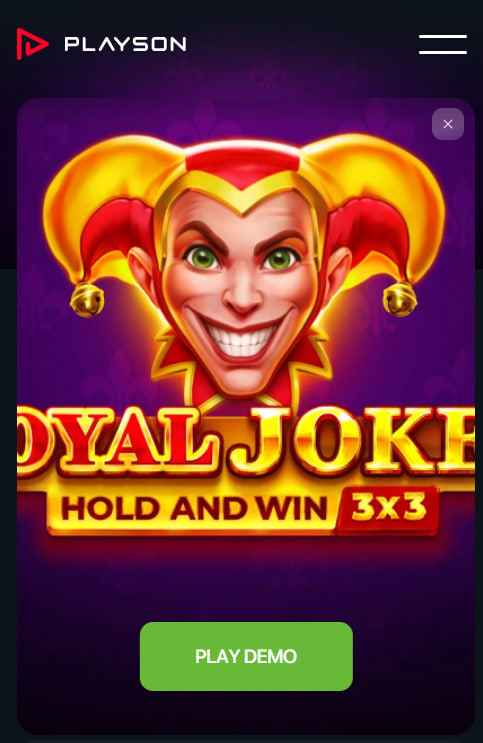
Operational Setup on iOS and Android
Browser-based access is the primary path for Royal Joker mobile play. The sequence below applies across iOS and Android with minor interface variations:
- Open Safari (iOS 13+) or Chrome (Android 8+) on the mobile device.
- Navigate to a UKGC-licensed casino that lists Royal Joker in its catalogue.
- Complete account registration if not already established, including KYC verification before any withdrawal can be processed.
- Locate Royal Joker via the slot search function — common filenames include "Royal Joker", "Royal Joker H&W" or the Playson studio filter.
- Tap to launch — the slot loads approximately 5 MB on first session, cached locally for rapid subsequent restarts.
Performance is generally stable on devices with 2 GB RAM or higher. Older hardware may experience slower initial loads but identical gameplay frame-rate once cached.
Home Screen Shortcut Configuration
The closest approximation to a native app is the home-screen shortcut, a built-in browser feature that produces an installable icon launching the slot in fullscreen mode. Configuration takes under 60 seconds and produces a near-app experience without any APK risk.
On iOS Safari
Navigate to the operator's Royal Joker page in Safari. Tap the Share icon at the bottom, scroll the action sheet, and select "Add to Home Screen". A name field appears for adjustment; tap Add to complete. The shortcut launches in fullscreen, hiding browser chrome and producing a visual experience indistinguishable from a native app launch.
On Android Chrome
Load the operator's Royal Joker page in Chrome. Tap the three-dot menu in the top right and select "Add to Home screen". Confirm the shortcut name and tap Add. Some Android skins from Samsung or Xiaomi offer a one-tap "Install" button instead, producing the same fullscreen launch behaviour with no functional difference.
Platform-Specific Performance Profiles
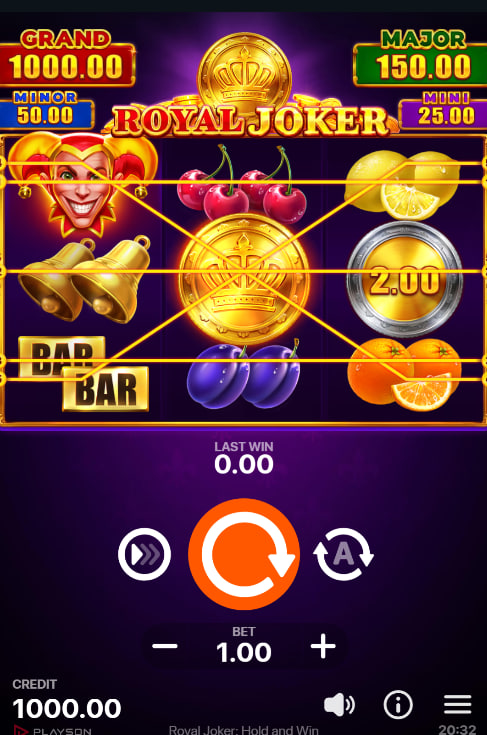
Royal Joker performs comparably on iOS and Android, with platform-level distinctions limited to specific edge cases. iOS Safari typically delivers marginally faster initial load times due to Apple's WebKit optimisations and consistent GPU drivers across device generations. Android performance varies more widely given device fragmentation — Pixel and recent Samsung flagships match iOS speed; budget devices with older Snapdragon chipsets may experience occasional frame drops during Pile of Gold animations. Cellular data consumption is identical at roughly 200 KB per 100 spins after initial cache.
UK Casino Mobile Applications with Royal Joker
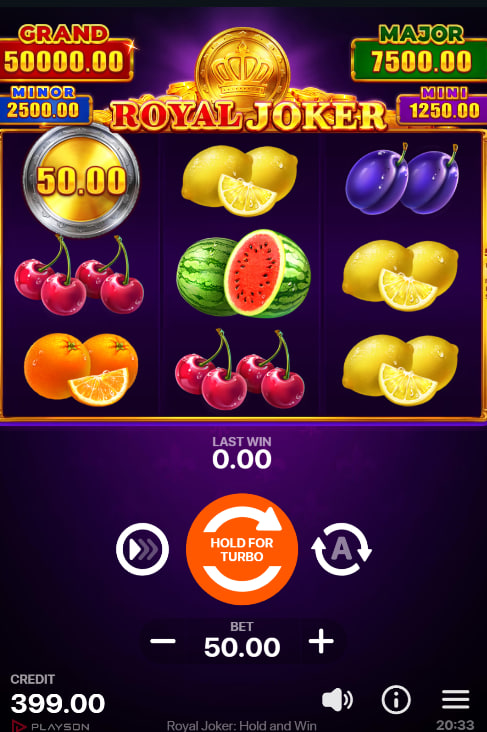
Four UKGC-licensed operators offer mobile access to Royal Joker either through native applications or polished mobile-responsive sites. Each carries a current welcome offer applicable to slot play. Verification on the operator's app store listing is recommended before installation.
LeoVegas
LeoVegas built its reputation on mobile-first slot delivery. The iOS and Android apps deploy 50 wager-free spins on Big Bass Splash for a GBP10 deposit with 1x wagering condition. UKGC and MGA dual licensing applies. App size is approximately 65 MB on installation.
Sky Vegas
Sky Vegas distributes a polished UKGC-licensed app on both stores. New users access 50 no-deposit free spins plus 200 additional spins on GBP10 stake — all winnings paid as cash without wagering. App size is approximately 80 MB on iOS.
888casino
The 888casino mobile app surfaces the full slot catalogue including Royal Joker. The 100% deposit match up to GBP100 applies through the app with 10x wagering on bonus over 90 days. UKGC licensed continuously since the framework's introduction. App size is approximately 90 MB.
Puntit
Puntit, the newest UKGC-licensed operator in this comparison (licence 39576, launched June 2025), runs a mobile-responsive web platform rather than a dedicated app. The 100 free spins offer for GBP10 deposit plus GBP50 wager applies through any mobile browser without installation.
For full RTP analysis, jackpot mechanics and operator comparison, see the main slot review. For risk-free testing without depositing, demo mode is available.

Thomas Whitfield
Thomas Whitfield analyses online slots with a focus on RTP variance, Hold and Win mechanics and UKGC-licensed operator comparisons for play-royaljoker.com. His reviews are based on verified provider data and independent audit records.